 Minha Adega
Barcode scanning
Point your camera at the label and the app identifies the wine and fills in the details automatically from our database.
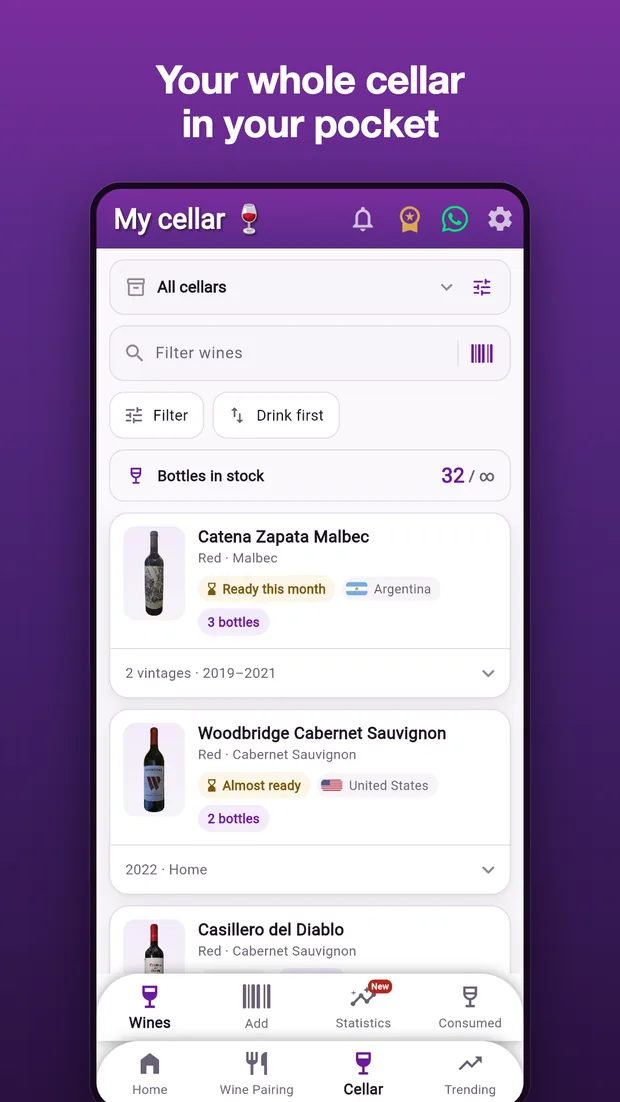
Catalog your cellar by barcode, log tastings, check pairings and the drinking window of every bottle — on your Android phone or your iPhone.
Free for Android and iPhone. One account on both.
Point your camera at the label and the app identifies the wine and fills in the details automatically from our database.
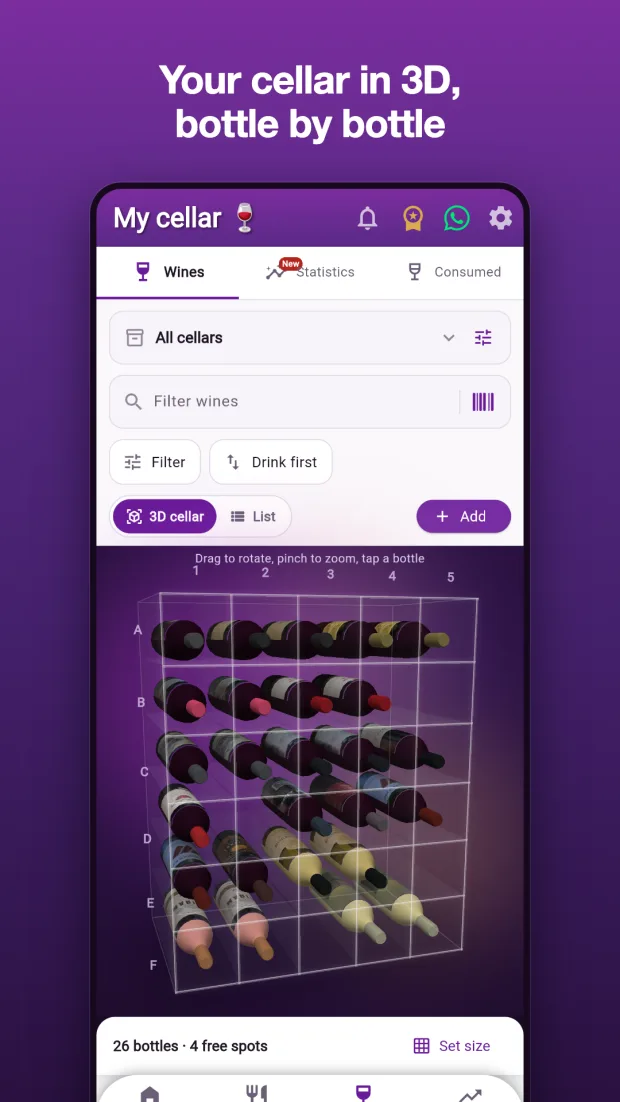
See your cellar as a 3D glass rack, every bottle in the spot where you stored it and showing its label photo. Rotate, zoom and tap a bottle to view it, move it or log it as opened.
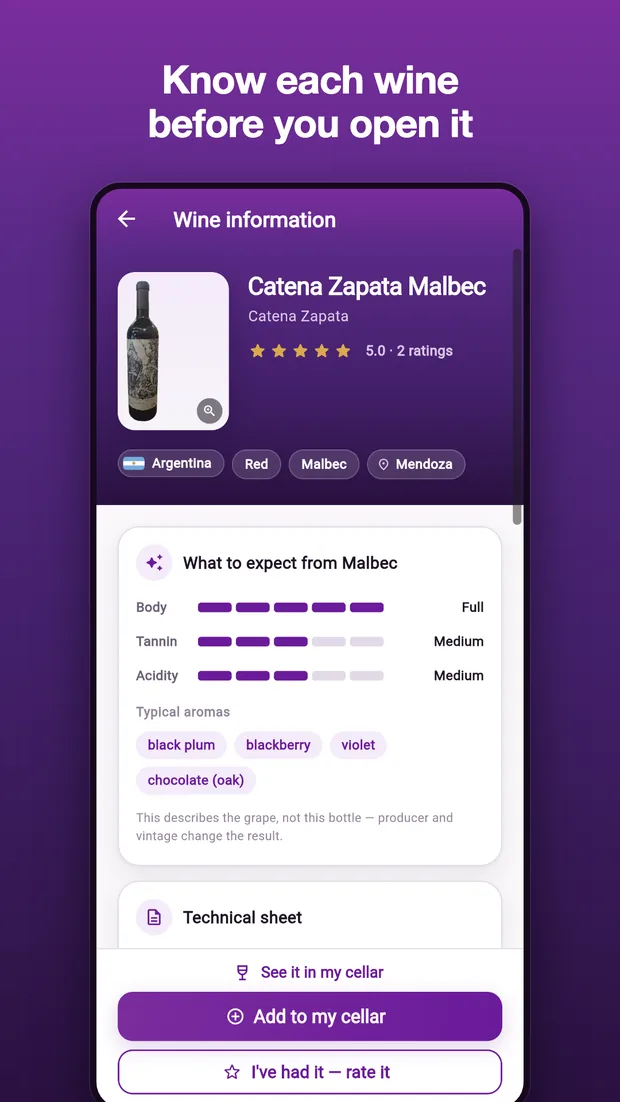
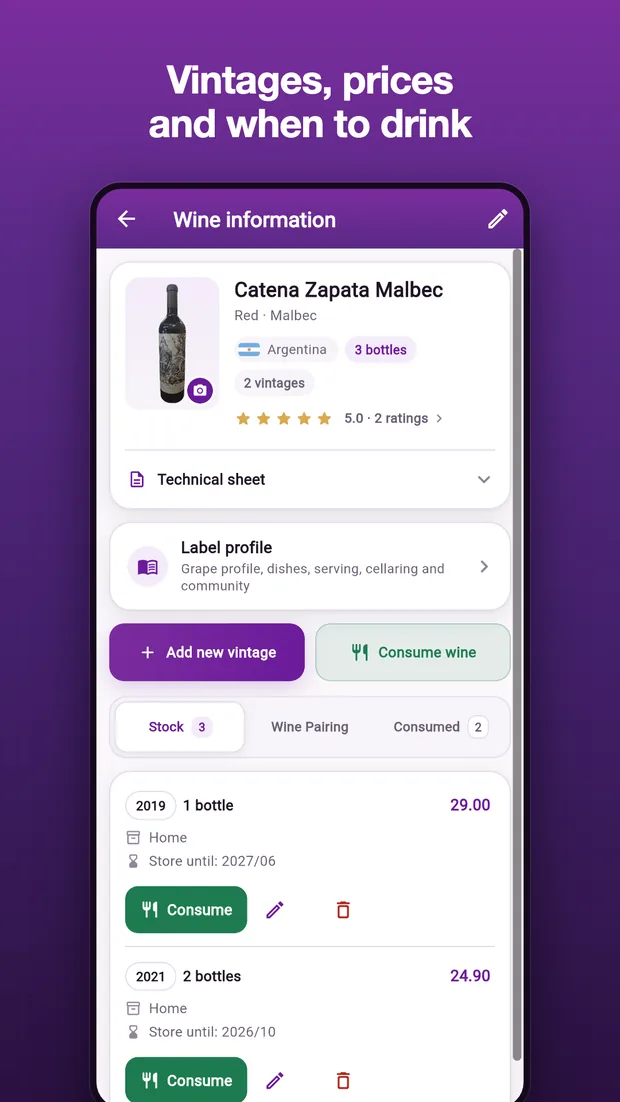
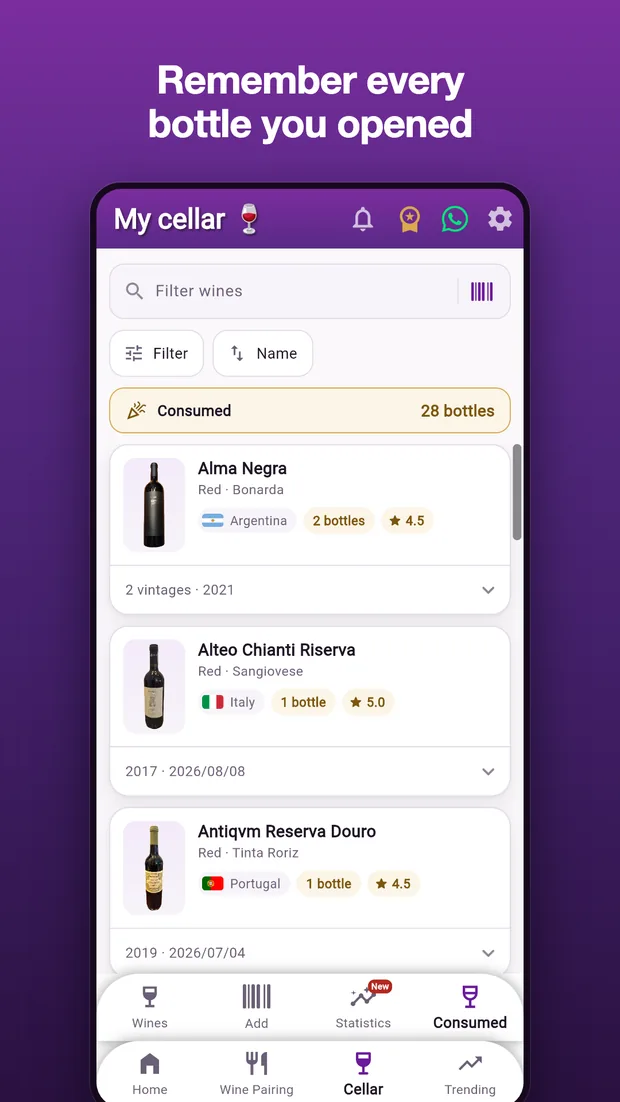
Record a rating for every wine, its ideal drinking window and a diary of the tastings you've done.
See pairing suggestions and find the right dish for every bottle in your cellar.
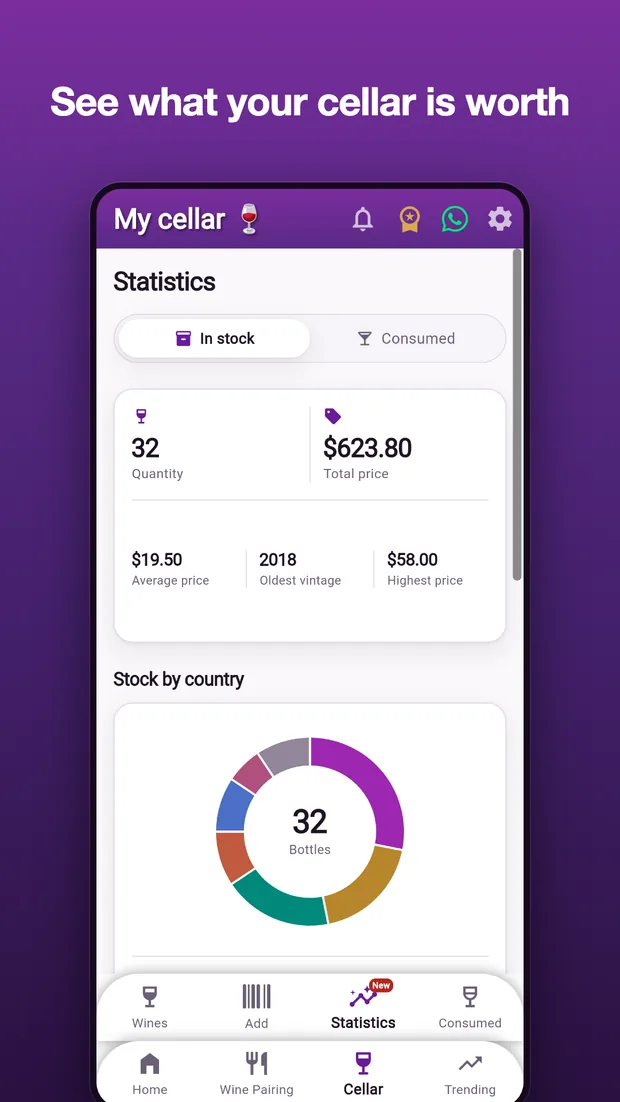
Track how your wines break down by country, grape, style and price range in clear charts.
Your data is saved in the cloud: change phones without losing a single bottle.
Install it free from Google Play or the App Store. Creating an account takes seconds.
Use the barcode scanner or add each wine in your cellar manually.
Log tastings, check pairings, drinking windows and the statistics of your collection.
To start, yes: the free plan holds up to 10 bottles in stock, with the barcode scanner and tasting log. Premium unlocks an unlimited cellar, food pairings and the full statistics.
Yes. The barcode scanner identifies the label and fills in the details automatically from our database.
Yes. Your cellar is stored in the cloud and available at any time from the Android or the iPhone app — same account, same cellar, even if you switch from one to the other.
Yes. Minha Adega also has a web version that works in any browser on Windows, Mac or Linux. Sign in with the same account you use on your phone and your cellar is there.
Yes. Minha Adega is on the App Store for any iPhone with iOS 15 or later, and it also installs on iPad. It's the same account and the same cellar as on Android.
You use the app normally day to day; cloud sync keeps your data safe and available on any device.
Free on Android and iPhone. Catalog your wines today and carry your virtual cellar wherever you go.
Have an iPhone? See how to install it from the App Store.